About This eBook
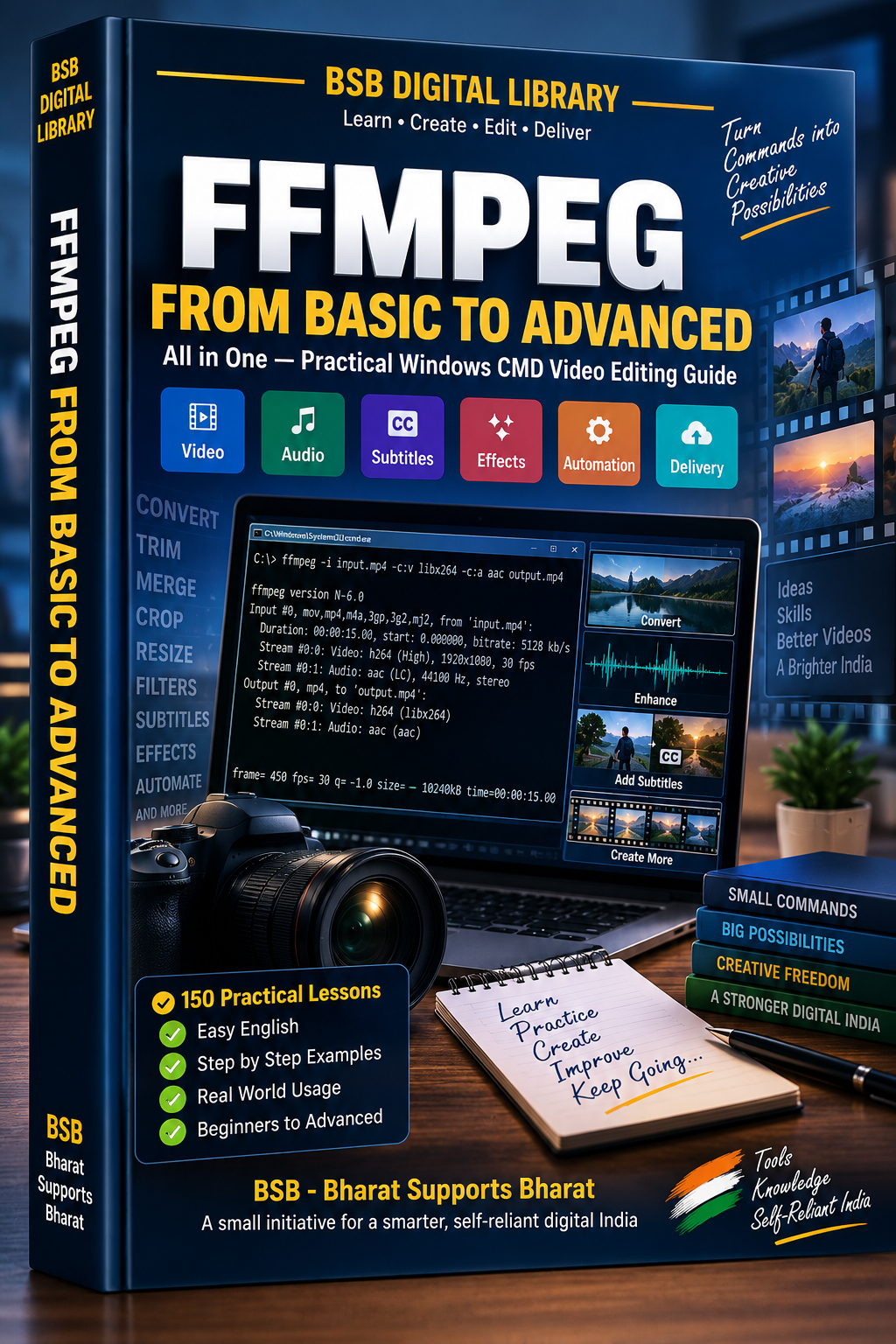
FFmpeg From Basic to Advanced is a practical, step-by-step learning guide designed to help readers understand and use FFmpeg through Windows Command Prompt (CMD).
With 150 practical lessons, the book takes you from the fundamentals of FFmpeg to more advanced multimedia-processing workflows. It covers video conversion, audio extraction, trimming, resizing, subtitles, filters, effects, overlays, metadata, GIFs, encoding, automation, batch processing, and final media delivery.
What You’ll Learn
- Introduction to FFmpeg and its command structure
- Downloading, installing, and checking FFmpeg
- Inspecting media using FFprobe
- Video and audio conversion
- Extracting audio and frames
- Trimming and cutting video clips
- Resizing and changing aspect ratios
- Understanding containers, codecs, and file formats
- Frame-rate, bitrate, CRF, and encoding presets
- Adding, replacing, and removing audio
- Working with subtitles and subtitle timing
- Joining and editing video clips
- Speed changes, rotation, flipping, cropping, borders, and padding
- Blurring, brightness, contrast, saturation, and color adjustments
- Image overlays and picture-in-picture videos
- Fade effects, crossfades, background music, and audio mixing
- Filter graphs and multi-step filter projects
- Watermarks, masking, blending, and overlays
- Animated text, intros, outros, reverse and loop effects
- Metadata and stream selection with FFprobe and -map
- GIF creation and GIF-to-video conversion
- Web-friendly MP4 creation and file-size optimization
- Two-pass encoding and hardware-acceleration basics
- Windows CMD batch processing and reusable .BAT files
- Subtitle stream conversion and audio-channel workflows
- Denoising, sharpening, and frame interpolation
- Troubleshooting and reproducible workflows
- Proxy videos and multiple-resolution exports
- Mobile-sharing and final delivery preparation
- Watermarked previews, logo overlays, freeze frames, zoom effects, vignettes, and comparison videos
- Social-media video projects and promotional workflows
- Final delivery packages and publish-ready media
The book progressively builds practical skills through concept explanations, Windows CMD commands, practice exercises, and lesson summaries, making it useful for learners who want to understand not just what an FFmpeg command does, but how to apply it in real multimedia workflows.
The final section brings the concepts together in a capstone project for creating a publish-ready BSB video, providing a practical end-to-end workflow.
Important: This book is an independent educational resource. FFmpeg is open-source software maintained by its respective contributors, and this book is not an official publication of the FFmpeg project. Software behavior, codecs, compatibility, and commands may change over time. Readers should review commands carefully, maintain backups, and ensure they have the necessary rights or permissions for media and other materials they process.
Ideal for: beginners, content creators, video editors, digital-media learners, and anyone who wants to learn practical FFmpeg workflows using Windows CMD.